



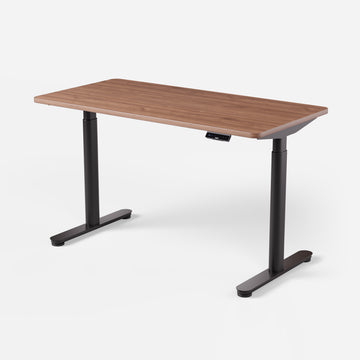
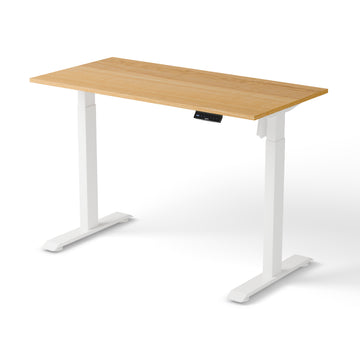
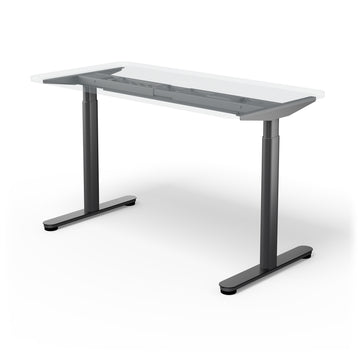
Desk not working, or the display shows “RST”? Start here. Almost every problem goes away when you reset the desk. It takes half a minute and does no harm.
First clear everything from under and around the desk. Anti-collision protection is off during a reset: the desk will go all the way down and won't stop, even if it hits something.
How to reset:
1. Press the “down” button (marked “−” on the control panel) and hold it until the desk stops moving down.
2. Let go.
3. Press “down” again and hold it for 5 seconds. Don't let go early, or the reset will be interrupted.
4. When it beeps, the desk is ready.
The desk won't move and the display shows “Loc”
This is the child lock: someone has switched it on by accident.
- To unlock: hold “M” and “−” together for 5 seconds.
- To lock: hold “M” and “+” together for 5 seconds.
The desk moves, then immediately reverses
It has hit something. That is intended: this protection stops it from trapping anything.
Check what is under and above the desk, move the obstacle and try again.
A letter with a number is flashing on the display
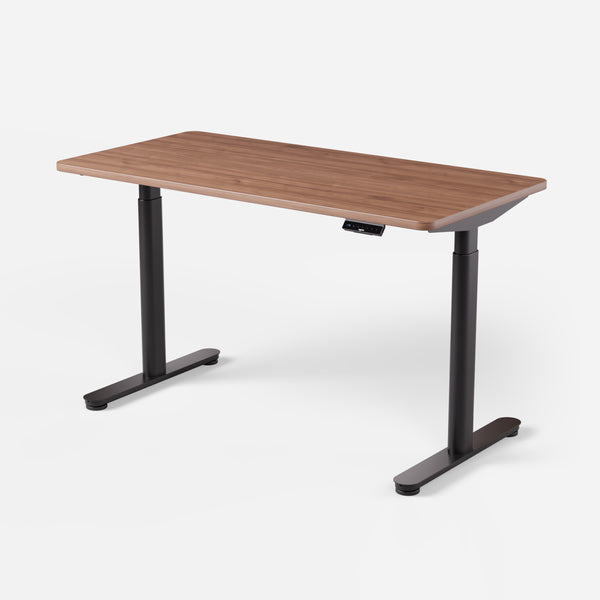
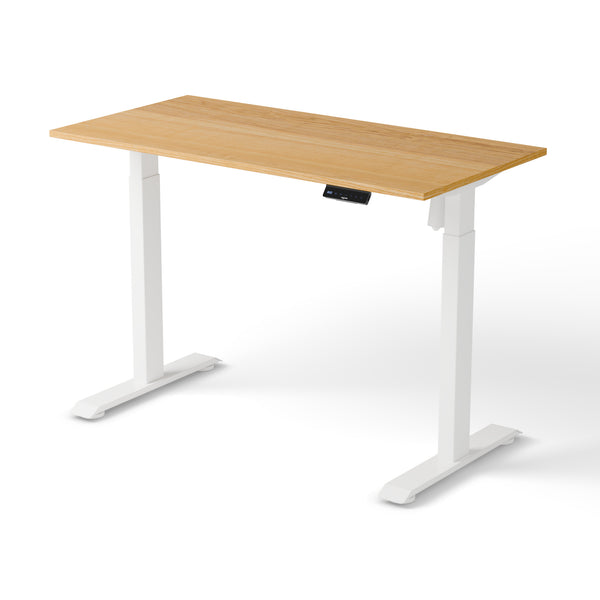
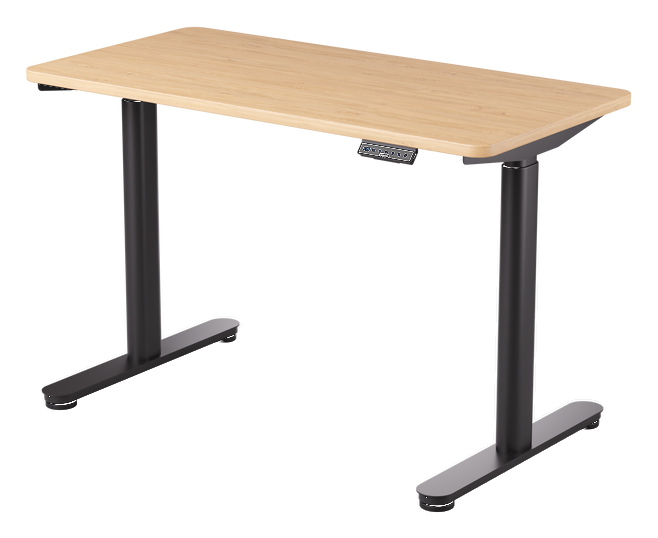
This is an error code. The display is on the control panel screwed under the tabletop.
- E02 or E08 (the legs are no longer at the same height): reset the desk as shown above.
- E05 (it hit an obstacle): move the obstacle, let go of the button and try again.
- “HOT” (overheated): the desk can move for 2 minutes, then it needs 18 minutes of rest. Wait and try again.
- E01, E06 or E07 (power fault): check that the cable is plugged in properly and that the socket works.
- E04 (the control panel cannot connect to the control box): check that the control panel cable is plugged in properly.
- E12 to E28 (motor fault): take a photo of the display and send it to us, and we'll sort it out.
Seeing a different code? Take a photo of the display and send it to us.
How to save your height
The desk remembers three heights.
1. Move the desk to the height you want.
2. Press “M” and “S-” appears on the display.
3. Press 1, 2 or 3.
Next time, just press the same number.
To make your desk last
- Do not keep anything taller than 50 cm under the desk.
- Place it away from walls and cabinets so the desk does not catch on anything as it rises.
- Check that the cables are long enough and not caught anywhere.
- When moving the desk, never lift it by the tabletop: lower it to the lowest position and lift it by the frame.
- Unplug it during thunderstorms and when you won't be using it for a while.
