
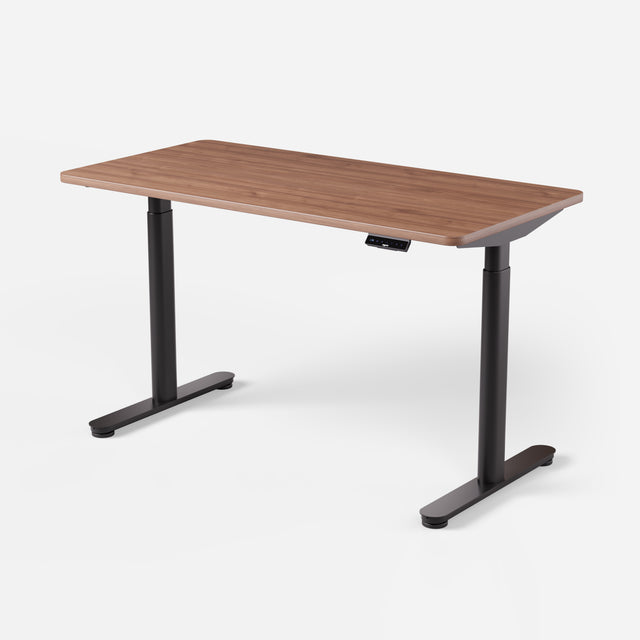
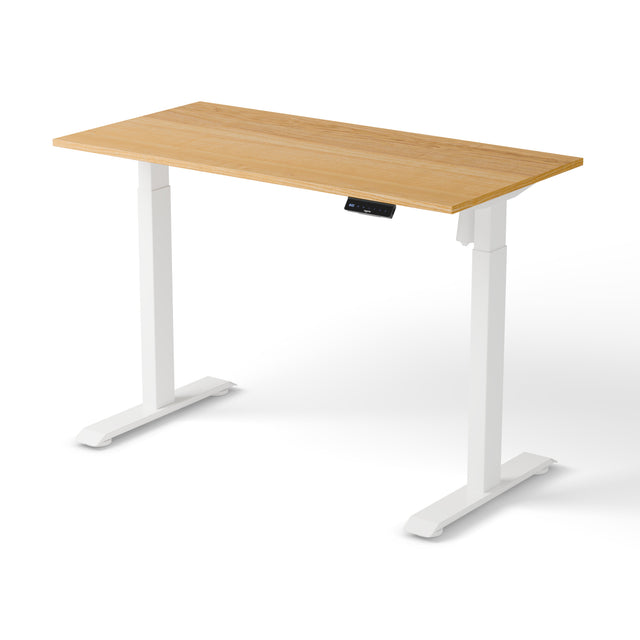


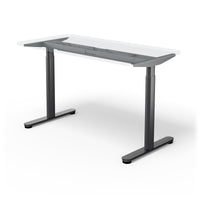
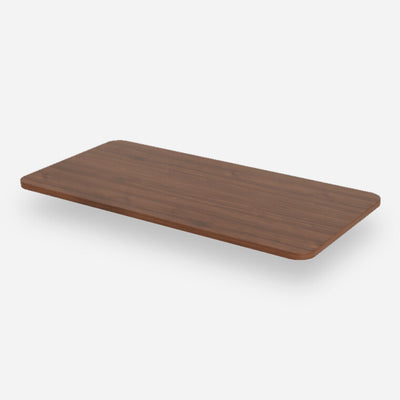

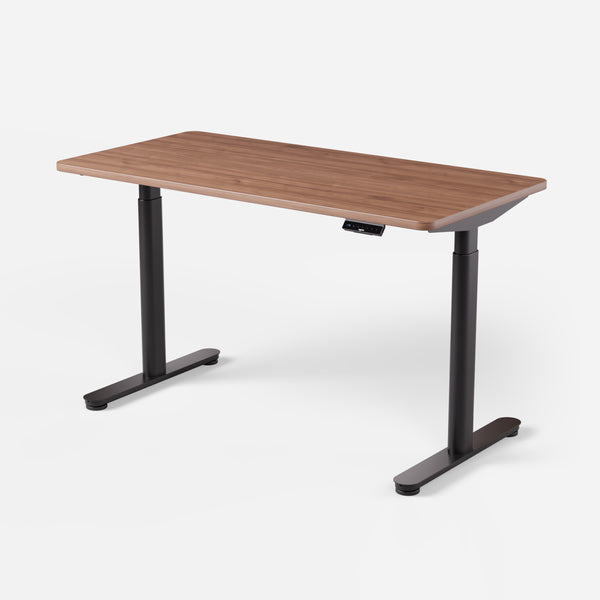
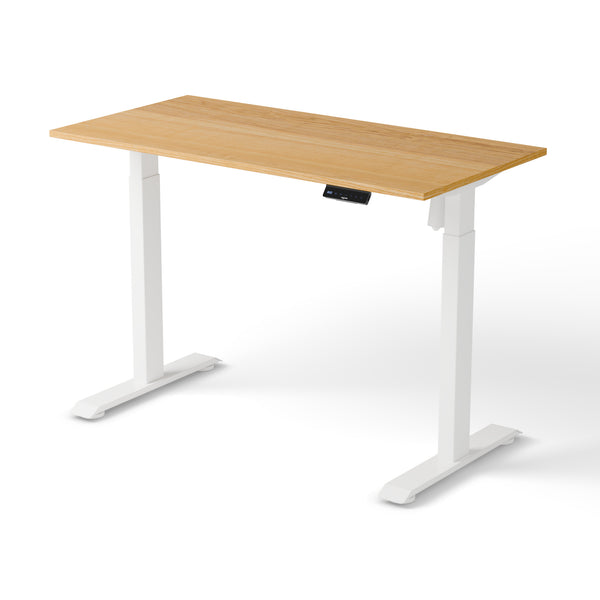
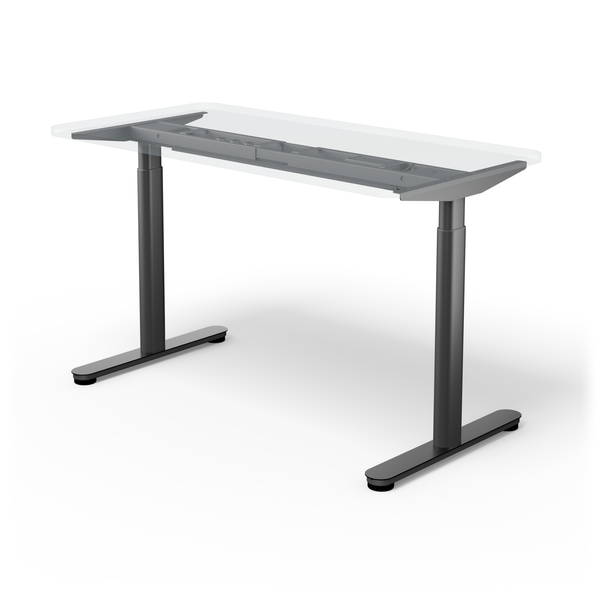
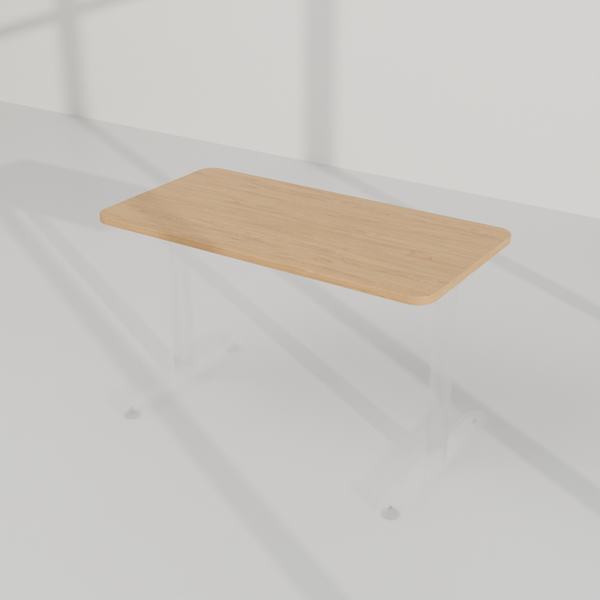



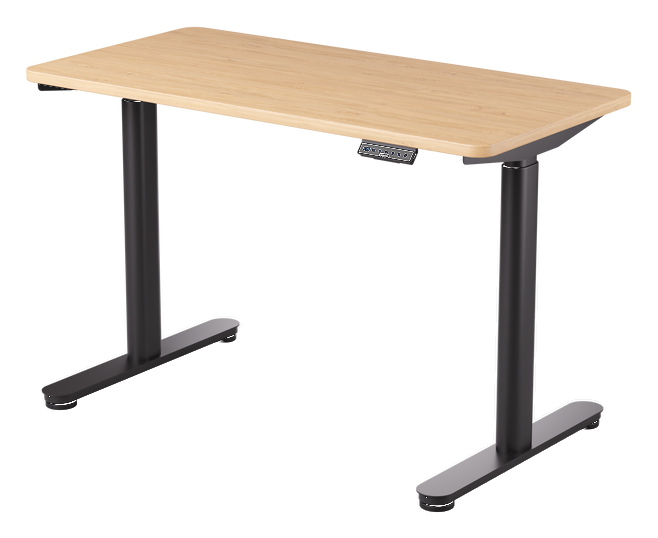
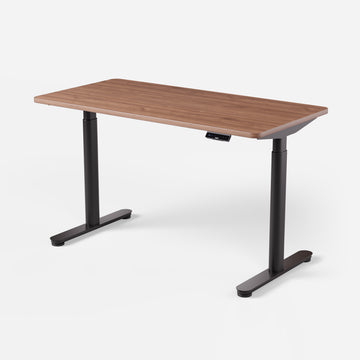
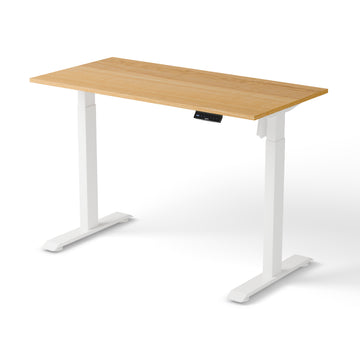

Lay down cardboard or a blanket so you don't scratch the tabletop. In the last step it takes two people to turn the desk over, so arrange for someone to help from the start.
What is in the box:
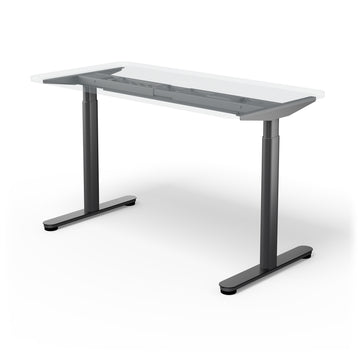
- 2 lifting legs and 2 leg bases.
- 2 crossbars and 2 crossbar rails.
- 2 side plates, 12 silicone spacers.
- Control panel, power supply, power cable and motor extension cable.
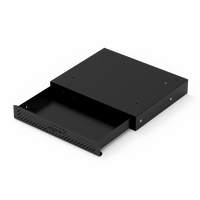
- Cable tray and 3 cable holders.
- Bolts lettered M-A to M-G, an Allen key (A) and a screwdriver (B).

Step by step
First check the bolts on the lifting legs: they must stick out 2-3 mm so the leg slides into the crossbar. Tighten all the other bolts fully straight away:

Check the bolts at both ends of the lifting leg (1): they must stick out 2-3 mm. 
Slot the lifting leg (1) into the crossbar (3) from above and fix it with 4 M-A bolts using key A. 
Insert the crossbar rails (4) into the left and right frame. The cut-out must face inwards. 
Using key A, screw the leg bases (2) to the lifting legs with 8 M-B bolts. 
Using key A, screw the side plates (5) to the crossbar with 4 M-D bolts. 
Fit the 12 silicone spacers (7) into the holes in the side plates and crossbars. 
Place the assembled frame on the upside-down tabletop and fix it with 12 M-G screws using screwdriver B. At the same time, set the frame width to suit the tabletop. 
Using screwdriver B, screw the control panel (8) to the tabletop with 2 M-E screws. 
Connect the cables: one leg's cable through the motor extension cable (11) into the control panel, the other leg's cable straight into the control panel, then connect the power cable (10) to the power supply (9). 
Run the power cable through the cable tray (6), screw the tray to the crossbar with 8 M-A bolts, and tidy the remaining cables with the holders (12), screwing them on with M-F screws. 
Turn the desk over with another person. Under each leg base there are two adjustable levelling feet: if the floor is uneven, turn them until the desk stands firmly. Check it is level with a spirit level (not included) and only then plug it in. Once the desk is standing, you need to reset it once. The article “Use and troubleshooting” explains how.
Use and troubleshooting
